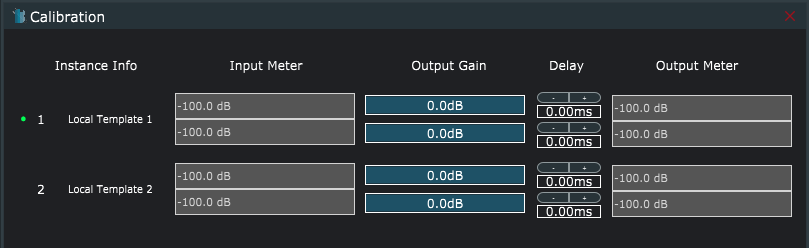
The calibration window provides a way to select, adjust, and calibrate all active instances.
- Select instances by clicking on the Instance Info label on the left. A green dot will indicate the active instance.
- Input meters display the current input signal for all instances
- Output Gain provides independent Left and Right output channel adjustment for all instances.
- Delay provides independent delays for each channel
- Output meters display the current output signal for all instances.